AI Image Replacement Prompt: Create Realistic 3:4 Instagram Photos
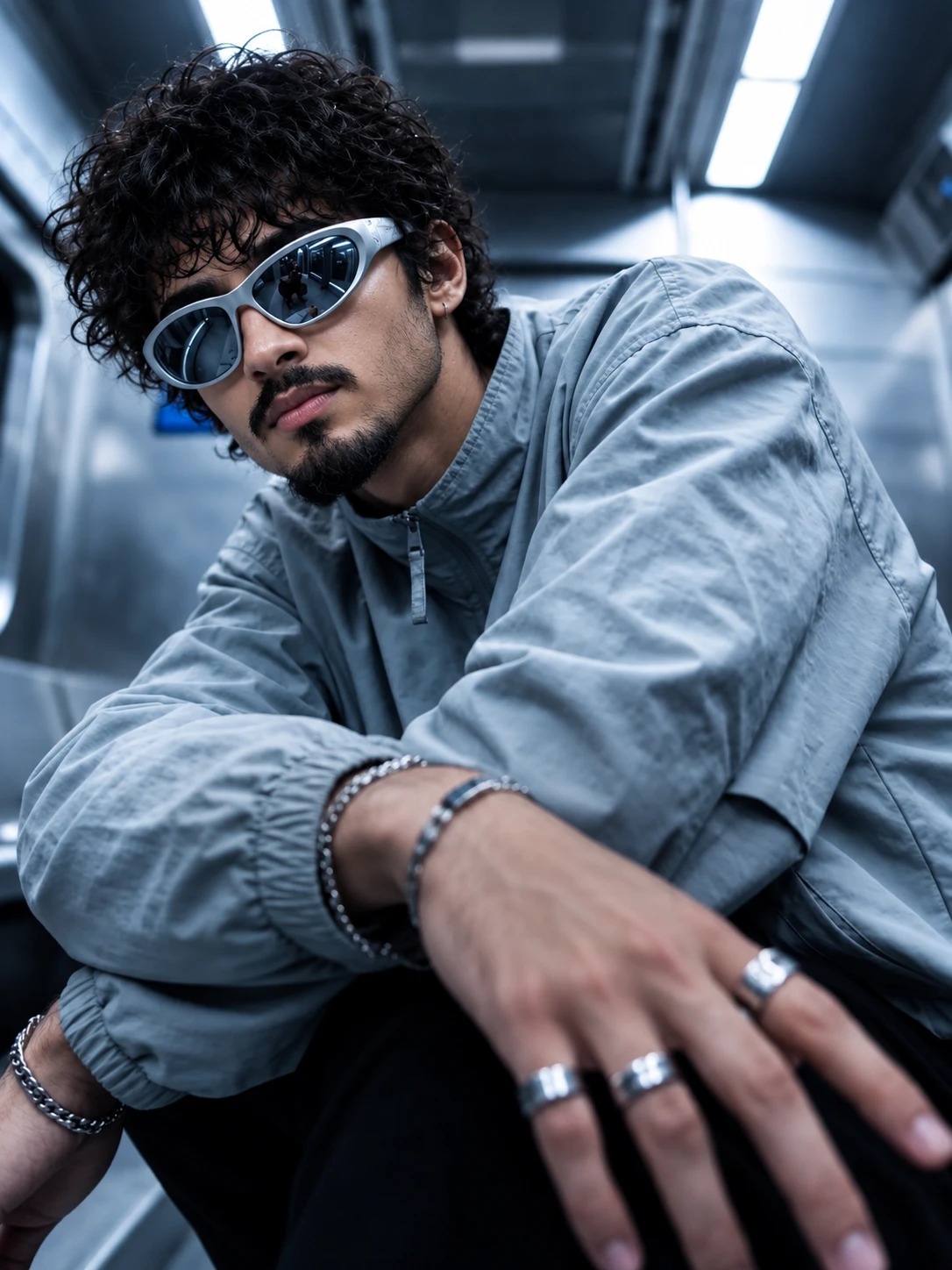
Swap yourself into any photo, matching its pose, face angle, hands, background and light in a 3:4 frame. Works with ChatGPT and a reference photo of you.
Prompt
IMAGE REPLACEMENT / REFERENCE-BASED EDIT PROMPT
Use the TWO uploaded images as strict visual references.
REFERENCE IMAGE 1 = PRIMARY COMPOSITION + SCENE REFERENCE
REFERENCE IMAGE 2 = SUBJECT IDENTITY + PHYSICAL APPEARANCE REFERENCE
Create a highly realistic photographic recreation of REFERENCE IMAGE 1, but completely replace the original person with the person from REFERENCE IMAGE 2.
SUBJECT IDENTITY:
Preserve the subject's recognizable identity and physical appearance from REFERENCE IMAGE 2 with maximum consistency. Accurately retain the person's facial structure, face shape, skin tone, complexion, eyes, eyebrows, nose, lips, jawline, cheek structure, hair characteristics, facial hair if naturally present, and other defining physical features. Do not genericize, beautify, or redesign the person's face.
The subject may be male or female. Do NOT impose gender-specific facial features, hairstyle, body proportions, clothing, or styling unless they naturally belong to the person in REFERENCE IMAGE 2.
COMPOSITION — FOLLOW REFERENCE IMAGE 1:
Recreate the same overall photographic composition as REFERENCE IMAGE 1:
- same camera position
- same camera height
- same focal perspective
- same framing
- same crop
- same subject scale within the frame
- same body placement
- same head placement
- same torso orientation
- same shoulder positioning
- same arm positioning
- same hand positioning
- same gesture
- same pose
- same visual balance
- same foreground/background relationship
- same depth and perspective
The pose must look physically natural for the replacement subject. Do not simply paste the face onto the original body. Reconstruct the entire subject naturally while preserving the composition of REFERENCE IMAGE 1.
FACE ANGLE — CRITICAL:
Match the exact head orientation and facial viewing direction from REFERENCE IMAGE 1.
Preserve:
- exact head tilt
- exact head rotation
- exact face angle relative to camera
- exact eye-line direction
- exact chin angle
- exact neck orientation
- exact gaze direction
- exact amount of visible face
- exact perspective of facial features
The subject's face must be looking in the SAME MANNER and SAME DIRECTION as the person in REFERENCE IMAGE 1.
Do not make the subject look directly at the camera if REFERENCE IMAGE 1 does not show direct eye contact.
If sunglasses or another accessory partially covers the eyes in REFERENCE IMAGE 1, preserve the same visual effect while maintaining the identity of REFERENCE IMAGE 2 underneath.
HAND + GESTURE — CRITICAL:
Reproduce the hand and arm placement from REFERENCE IMAGE 1 as closely as physically possible.
Match:
- arm angle
- elbow position
- wrist orientation
- hand distance from camera
- finger positioning
- gesture
- foreground perspective
- natural foreshortening
Hands must have anatomically correct fingers, joints, nails, skin texture, proportions, and realistic contact with clothing or surrounding objects.
Do not create extra fingers, missing fingers, fused fingers, malformed hands, duplicated limbs, or unnatural wrist anatomy.
BODY + CLOTHING:
Use the body proportions and physical characteristics appropriate to the person in REFERENCE IMAGE 2 while preserving the pose and silhouette established by REFERENCE IMAGE 1.
Recreate the clothing, accessories, materials, folds, seams, texture, fit, and styling seen in REFERENCE IMAGE 1, adapting them naturally to the replacement subject.
Clothing must physically conform to the subject's body and pose. Preserve realistic fabric tension, wrinkles, compression, shadows, and contact points.
SCENE + BACKGROUND:
Recreate the environment from REFERENCE IMAGE 1 as faithfully as possible.
Preserve:
- location/environment type
- architectural elements
- surrounding objects
- perspective
- background geometry
- lighting fixtures
- environmental depth
- foreground elements
- reflections
- atmospheric conditions
- overall spatial arrangement
Do not introduce unrelated objects or redesign the environment.
LIGHTING:
Match the lighting of REFERENCE IMAGE 1.
Preserve the same:
- key light direction
- fill light
- highlights
- shadows
- contrast
- exposure
- color temperature
- reflections
- ambient illumination
- light falloff
- realistic skin illumination
The replacement subject must appear genuinely photographed inside the original environment, not composited into it.
COLOR + FILTER:
Preserve the same cool, cozy, slightly cinematic blurred photographic treatment from REFERENCE IMAGE 1.
Apply:
- subtle cool-toned color grading
- soft cinematic contrast
- realistic skin tones
- gentle background blur
- natural lens rendering
- subtle atmospheric softness
- controlled highlights
- realistic shadow detail
- slight depth-of-field separation
Keep the effect subtle and photographic. Do NOT make it look like an obvious AI filter, digital painting, CGI render, or excessive beauty retouch.
REALISM:
The final result must look like a professionally captured real photograph.
Prioritize:
- authentic skin pores
- realistic fine facial texture
- natural hair strands
- realistic fabric texture
- physically accurate shadows
- natural reflections
- realistic lens depth
- accurate perspective
- believable anatomy
- realistic hands
- natural facial proportions
- photographic imperfections
- coherent light interaction
Avoid excessive skin smoothing, plastic skin, artificial sharpness, overprocessed HDR, fake bokeh, CGI appearance, airbrushed facial features, or generic AI beauty aesthetics.
IMPORTANT REFERENCE PRIORITY:
REFERENCE IMAGE 1 controls:
composition, pose, gesture, camera angle, framing, scene, background, lighting, environment, clothing style, perspective, color treatment, depth of field, and overall photographic appearance.
REFERENCE IMAGE 2 controls:
identity, face, physical appearance, natural body characteristics, hair, skin, and other recognizable personal features.
When the references conflict, preserve the identity of REFERENCE IMAGE 2 while preserving the composition and visual language of REFERENCE IMAGE 1.
REMOVE ALL UNNECESSARY SOCIAL-MEDIA ELEMENTS:
Completely remove:
- usernames
- profile names
- profile pictures
- captions
- hashtags
- icons
- logos
- watermarks
- UI elements
- engagement buttons
- likes
- comments
- share icons
- borders
- decorative lines
- text overlays
- labels
- stickers
- inset/reference portrait
- unnecessary graphics
- interface elements
- any other Instagram/social-media artifacts
The final image must contain ONLY the clean photographic scene.
Do not recreate, retain, or invent any text or social-media interface.
FINAL OUTPUT:
Create a clean, premium, photorealistic Instagram-style portrait image in a STRICT 3:4 aspect ratio.
Aspect ratio: 3:4
Composition: vertical portrait
Framing: preserve REFERENCE IMAGE 1
Quality: high-resolution professional photography
Style: realistic editorial street-fashion photography
Finish: cinematic, subtly blurred, natural, premium
The result should look like an authentic photograph captured with a professional camera in the same scene as REFERENCE IMAGE 1, featuring the actual physical appearance of the person from REFERENCE IMAGE 2.
NO AI-LOOKING FACIAL RECONSTRUCTION.
NO GENERIC FACE.
NO POSE DRIFT.
NO HEAD-ANGLE DRIFT.
NO GAZE DRIFT.
NO HAND-POSITION DRIFT.
NO BACKGROUND REDESIGN.
NO EXTRA OBJECTS.
NO TEXT.
NO SOCIAL-MEDIA UI.
NO WATERMARK.
About this image
Cool steel and silver run through this whole frame. The subject crouches low inside a metal-walled space lit by long ceiling tubes, leaning toward a camera placed below chest height, with one hand reaching into the foreground. That hand wears three chunky silver rings, both wrists have chain bracelets, and the wraparound mirrored sunglasses pick up a small reflection of the room. A loose blue-grey zip-neck jacket over black trousers keeps the outfit simple.
This is a replacement prompt, so it needs two uploads in ChatGPT. Upload the scene first, which is this image saved from the page, then a clear photo of yourself. The prompt keeps the pose, light and clothing from the first image and takes only your face, hair and build from the second, for any gender.
You can swap the jacket for black or olive and keep everything else.
Creator's tip: the prompt also tells ChatGPT to strip usernames, captions and other Instagram screen elements, so a screenshot of a post works as the first upload too.
Tags: ai photo editing prompt, realistic ai photo prompt, instagram ai photo prompt
More like this
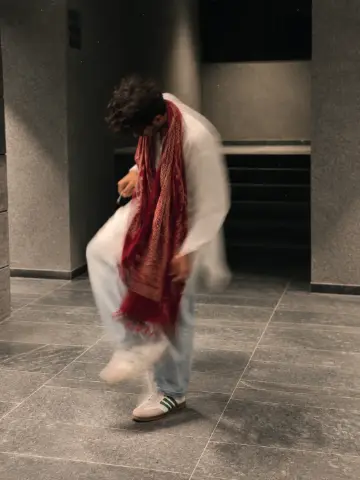 Red Scarf AI Photo Prompt – Motion Blur Street Style
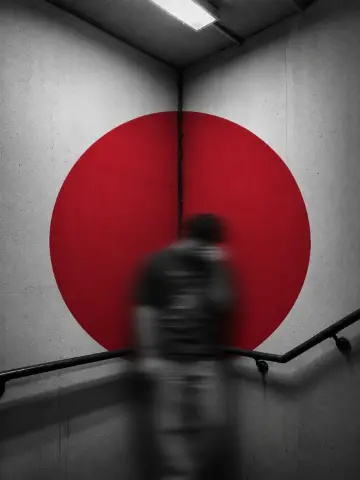 Red Circle AI Photo Prompt – Motion Blur Stairwell
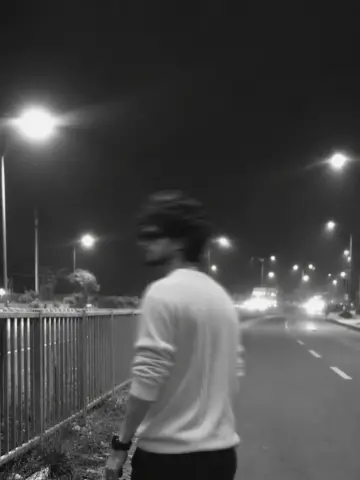 Night Road AI Photo Prompt – Black and White Blur
 Music Card Face AI Photo Prompt – Black and White Portrait
 Mirror Selfie AI Photo Prompt – Blue LED Wavy Mirror
 Glitch Blur AI Photo Prompt – Sepia Motion Portrait