Red Box Beach AI Photo Prompt – Black and White Effect
By Rupesh Bhagat ·
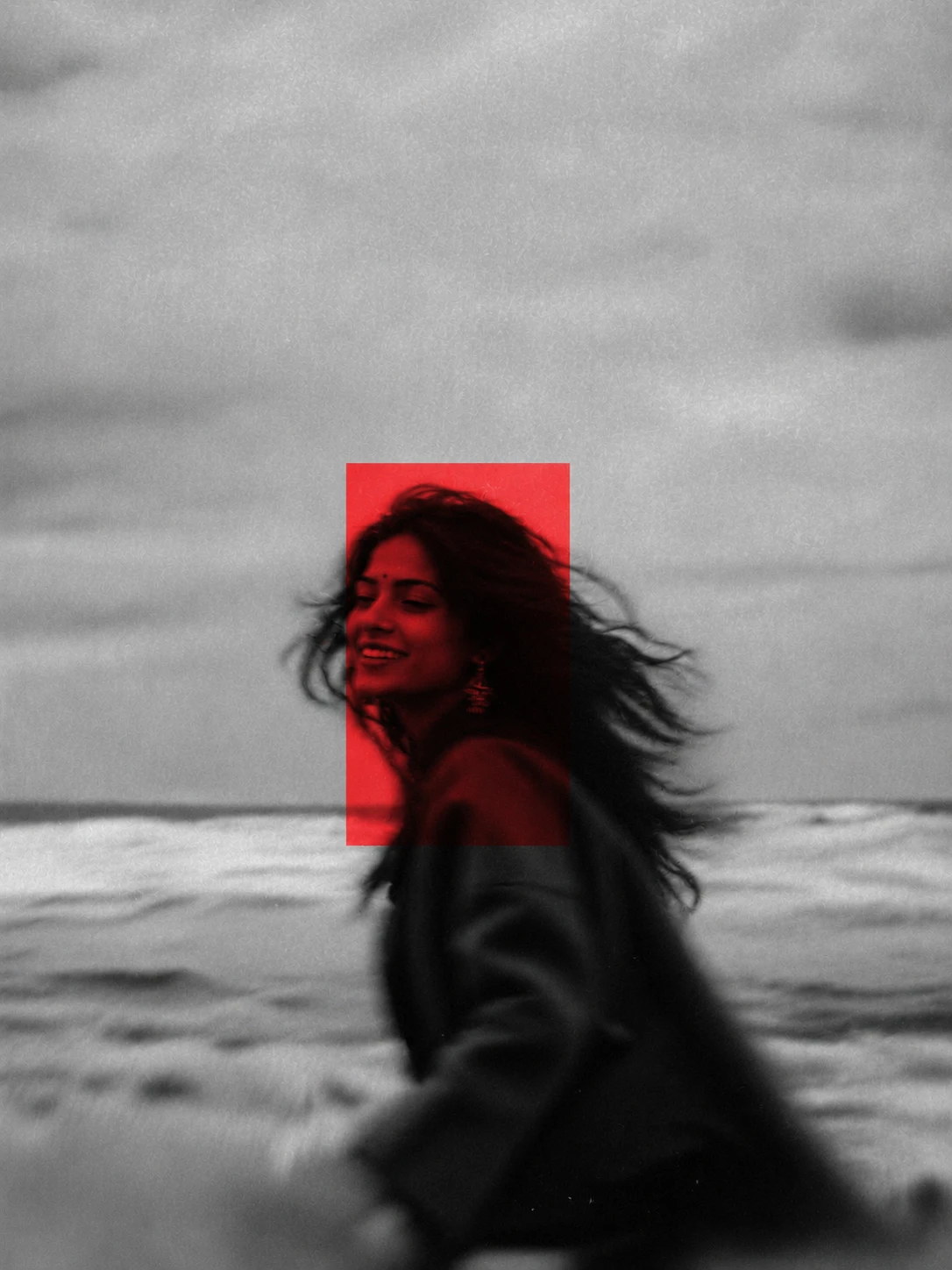
A grainy monochrome beach shot with windblown hair, motion blur and a bold red rectangle over the face. Make it in ChatGPT with your own photo.
The prompt for Red Box Beach AI Photo Prompt – Black and White Effect
Use the uploaded reference photo for the person's face and keep their facial identity, skin tone and age exactly. Create a moody black and white photo of the person on a windswept beach, turning back over one shoulder toward the camera with a wide, natural laugh. Long dark hair whips sideways in the wind and the body is soft with motion blur, while the face stays sharp. Outfit: an oversized dark wool coat with a small bindi and long dangling earrings; for a man, adapt it to an oversized dark wool overcoat in the same style and colour, without the bindi and earrings. Setting: a grey overcast sky and rolling white waves on the shoreline behind, slightly out of focus. Graphic effect: a solid vertical red rectangle sits in the centre of the frame behind and over the head and shoulders, tinting everything inside it red while the rest of the image stays monochrome. Soft flat daylight, heavy film grain, medium shot at eye level, free and windswept mood. Output must be STRICTLY 3:4 vertical (Instagram post). No text, no watermark, no logos, no extra people, no distorted hands or faces.
About this image: Red Box Beach AI Photo Prompt – Black and White Effect
One bold red rectangle turns an ordinary beach photo into a graphic poster. The rest of the frame is grainy black and white: a grey overcast sky, white waves breaking behind, and the subject turning back mid-laugh with long hair flying in the wind and a dark oversized coat blurred by motion. Only the head and shoulders sit inside the red block.
To try it, open ChatGPT, upload a clear photo of your face and paste the prompt. It keeps your facial identity, skin tone and age, and for men it switches to a dark wool overcoat in the same style.
For a variation, change the rectangle to cobalt blue or yellow, or move it off-centre so it covers only the face. You can also ask for a calm sea and a still pose if you prefer less blur.
Creator's tip: Choose a photo where you are smiling or laughing, because the expression is the one sharp detail inside the red block.
Tags: black and white portrait prompt, creative ai photo effect, ai portrait prompt
More like this
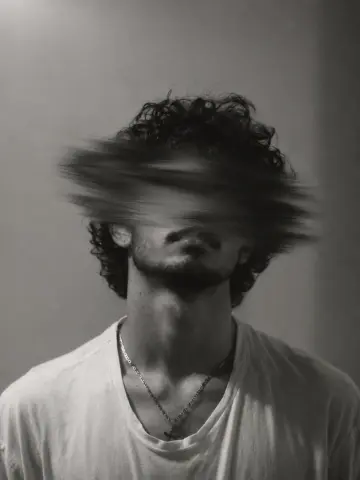 Portrait AI Photo Prompt – Black & White Motion Blur
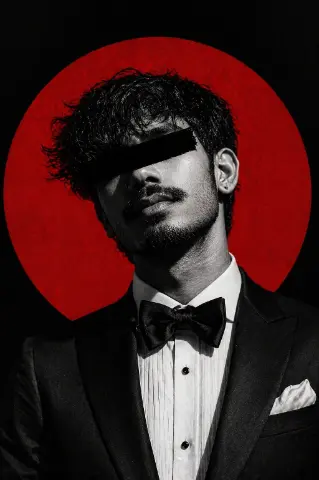 Black Bar Eyes AI Photo Prompt – Tuxedo Red Circle Poster
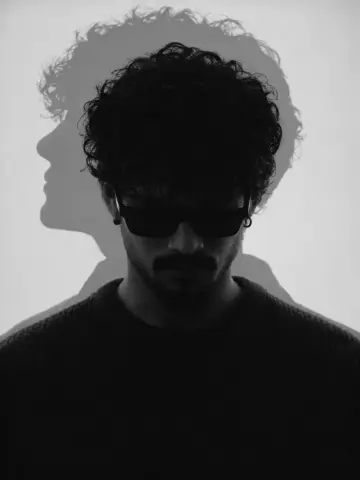 Shadow Profile AI Photo Prompt – Black and White Silhouette
 Formal Suit Portrait AI Photo Prompt – Cinematic Style
 Name Poster AI Photo Prompt – Red 3D Letters Spotlight
 Black and White Hilltop Collage AI Photo Prompt – Editorial