Rooftop Kurta AI Photo Prompt – City Lights Motion Blur
By Rupesh Bhagat ·
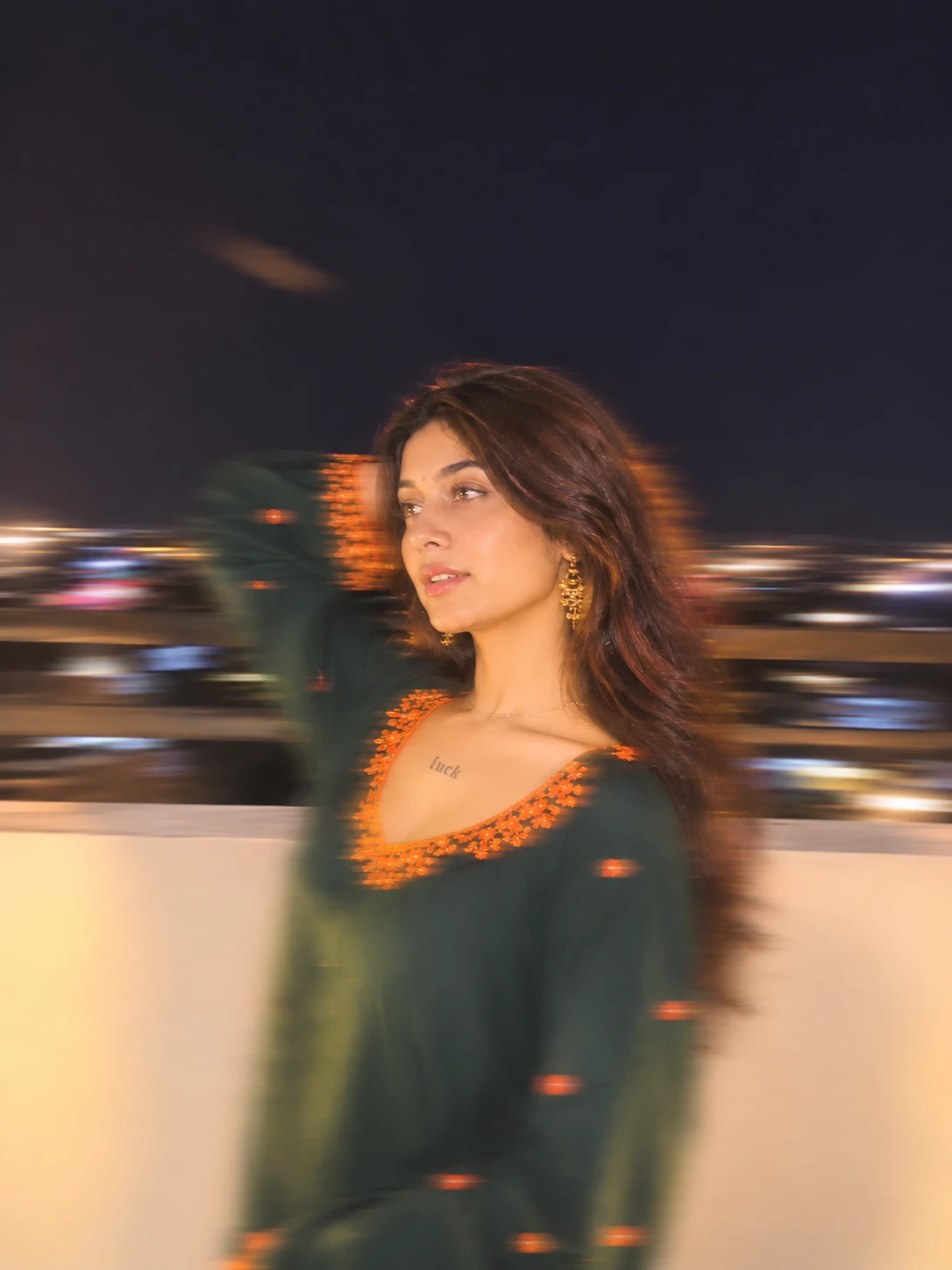
A night rooftop portrait in a green kurta with orange embroidery, city lights behind and a flash blur effect. Works in ChatGPT with your photo.
The prompt for Rooftop Kurta AI Photo Prompt – City Lights Motion Blur
Use the uploaded reference photo for the person's face and keep their facial identity, skin tone and age exactly. Create a night rooftop portrait with a creative motion blur effect. The person stands at a white rooftop parapet, body slightly turned, looking off to the side with a soft smile, one hand raised to the side of the head, long voluminous wavy brown hair, small bindi and gold chandbali earrings. Outfit: a deep bottle-green kurta with bright orange thread embroidery around the neckline, sleeves and small motifs; for a man, adapt it to a bottle-green kurta with orange embroidery at the collar and cuffs in the same style and colours. Background: a dark navy night sky over a sprawling city with blurred warm and blue lights. Flash on the subject with slow shutter, ghosting and streaks around the body while the face stays sharp, warm skin tones, waist-up framing from eye level, dreamy festive-evening mood. Output must be STRICTLY 3:4 vertical (Instagram post). No text, no watermark, no logos, no extra people, no distorted hands or faces.
About this image: Rooftop Kurta AI Photo Prompt – City Lights Motion Blur
The city is a blur of lights behind, and the subject is caught between stillness and movement. She stands at a white rooftop wall in a bottle-green kurta with bright orange embroidery, one hand in her hair, gold earrings catching the flash. The slow shutter leaves ghost trails around the body while the face stays sharp.
Upload a clear photo in ChatGPT and paste the prompt. It keeps your face, skin tone and age, and for men it uses a green kurta with orange embroidery at the collar and cuffs.
You can swap the green and orange for a maroon kurta with gold work for Diwali, or ask for a stronger blur on the city lights if you want a more abstract background.
Creator's tip: If the face also comes out blurred, add "face perfectly sharp, blur only on the body and background" to the prompt.
Tags: indian traditional portrait, night portrait prompt, creative ai photo effect, instagram ai photo prompt
More like this
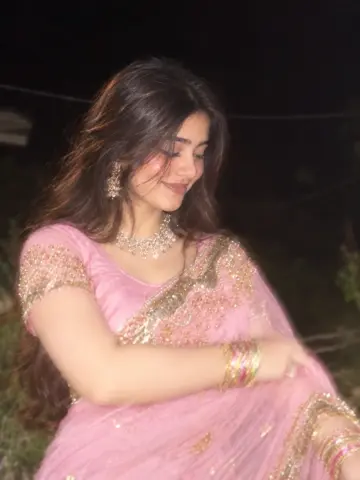 Indian Traditional Portrait AI Photo Prompt – Pink Elegance
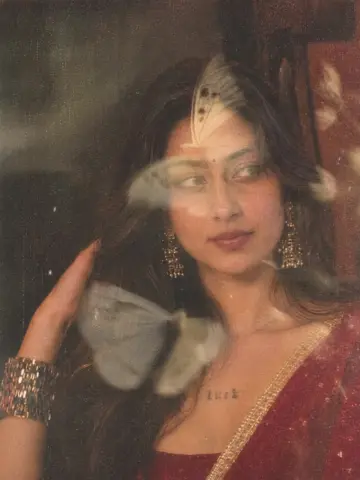 Red Saree AI Photo Prompt – Butterfly Window Reflection
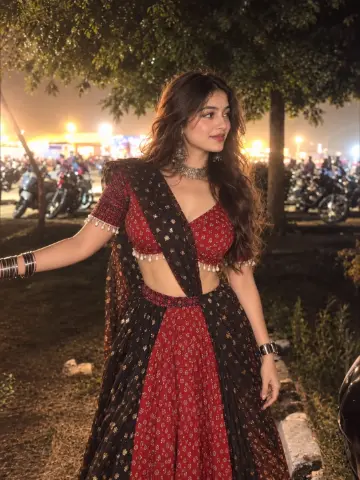 Indian Festival AI Photo Prompt | Realistic Night Portrait
 Black Outfit Portrait AI Photo Prompt – Vintage Style
 Street Walk AI Photo Prompt – Black and White High Angle
 Black Suit Portrait AI Photo Prompt – Black and White Noir