Realistic Couple Photo AI Prompt – Cozy Romantic 3:4 Portrait
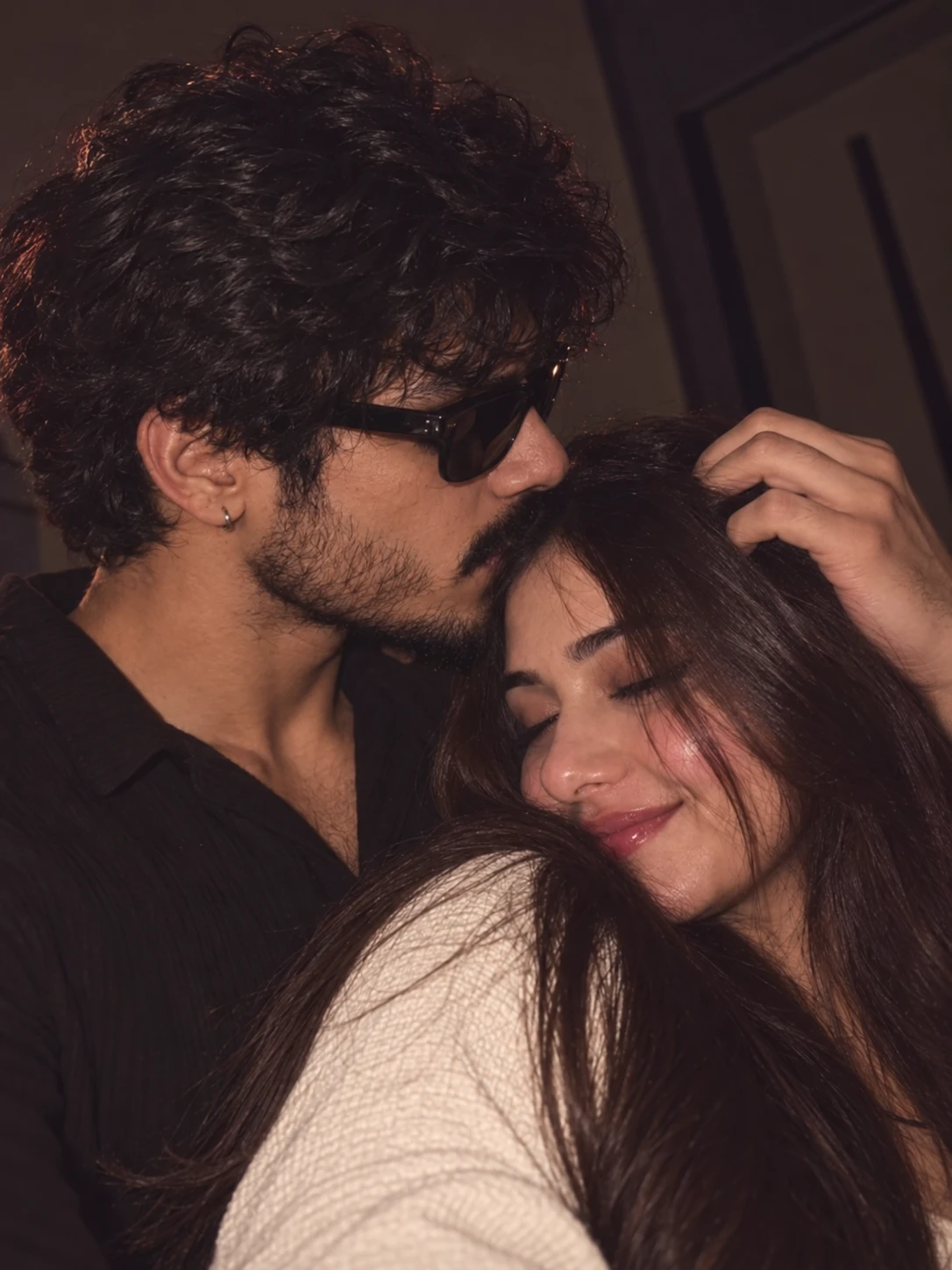
A cozy romantic couple scene that keeps the original pose, hands, light and background while adding your face. Use ChatGPT with a reference photo.
Prompt
IMAGE EDIT / FULL SUBJECT REPLACEMENT PROMPT
Use Image 1 as the primary composition, pose, scene, camera, lighting, and photographic-style reference.
Use the uploaded character reference sheet of the selected person as the identity reference. If the reference is male, preserve the male identity; if the reference is female, preserve the female identity. Do not mix identities or facial characteristics between references.
PRIMARY OBJECTIVE
Recreate the first reference image as a photorealistic intimate couple portrait, replacing the relevant subject/model with the person from the supplied character-reference sheet.
The result must look like a real photograph captured by a smartphone/camera, NOT an AI-generated creative reinterpretation.
IDENTITY PRESERVATION
For the replaced person:
- Preserve the exact facial identity from the character reference.
- Maintain recognizable facial structure, face shape, skin tone, nose, lips, jawline, eyebrows, hairline, and natural facial proportions.
- Preserve the person's characteristic hairstyle/hair texture wherever visible.
- Preserve distinctive accessories from the identity reference only when they naturally fit the scene.
- Do not beautify, redesign, feminize, masculinize, age, de-age, or otherwise alter the person's identity.
- Do not create a new generic face.
- Do not blend the identity with the original model's face.
- Identity consistency is more important than adding artistic details.
POSE & HEAD POSITION — CRITICAL
Copy the exact physical positioning and body language from Image 1.
The replaced person must occupy the same location and orientation as the corresponding original subject.
Preserve:
- Head tilt
- Head rotation
- Face direction
- Eye direction
- Chin position
- Neck angle
- Shoulder position
- Torso orientation
- Arm placement
- Hand position
- Finger placement
- Distance between the two people
- Facial expression
- Contact points between bodies
- Overall silhouette
Do NOT use the character-reference sheet to determine the pose.
The character sheet is ONLY for identity/appearance.
Image 1 is the authority for pose, camera angle, composition, gesture, and expression.
FACE ANGLE & EXPRESSION
Match the replaced person's face to the exact viewing angle visible in Image 1.
If the original subject's face is partially turned, recreate the same degree of rotation.
If the eyes are closed/open, reproduce the same state.
If the head is tilted downward/upward, reproduce the same angle.
Keep the person's natural facial identity while adapting the facial geometry realistically to the required pose.
Do not straighten the head.
Do not make the person look directly at the camera unless Image 1 does so.
HAND & FINGER POSITION
Preserve the exact hand position from Image 1.
The hand resting on/near the other person's head must remain in the same location, with realistic finger anatomy, natural pressure against the hair, and correct finger proportions.
Avoid:
- Extra fingers
- Missing fingers
- Merged fingers
- Deformed hands
- Floating hands
- Incorrect wrist anatomy
COMPOSITION
Recreate Image 1's framing as closely as possible.
Preserve:
- Camera distance
- Crop
- Subject scale
- Relative positioning of both people
- Foreground/background relationship
- Negative space
- Perspective
- Depth of field
- Overall visual balance
The final image should feel like the same photograph was recreated with the reference person's identity, not like a different photograph inspired by it.
CLOTHING
Keep the clothing and overall styling consistent with Image 1 unless the supplied character reference clearly requires the person's existing outfit to remain.
Clothing must follow realistic body geometry and natural fabric behavior.
Preserve realistic:
- Fabric folds
- Seams
- Shadows
- Wrinkles
- Clothing-to-body contact
- Hair overlapping clothing
Do not introduce random accessories or fashion elements.
BACKGROUND & ENVIRONMENT
Preserve the background and environment from Image 1.
Keep:
- Same general indoor setting
- Same background geometry
- Same dark surroundings
- Same objects and environmental elements
- Same depth
- Same visual atmosphere
Remove anything that belongs specifically to the Instagram interface.
LIGHTING
Match Image 1's lighting exactly.
Use:
- Soft warm low-light illumination
- Natural skin highlights
- Subtle shadows
- Gentle falloff across the faces
- Realistic reflected light
- Slightly dim cinematic exposure
- Natural smartphone-camera dynamic range
Lighting must interact naturally with skin, hair, clothing, and hands.
No artificial studio lighting.
COZY BLURRED PHOTO FILTER
Apply the same soft cozy blurred photographic treatment visible in Image 1:
- Slightly softened details
- Gentle background blur
- Subtle lens softness
- Warm skin rendering
- Mild atmospheric haze
- Natural low-light grain
- Slightly muted contrast
- Soft highlights
- Deep but realistic shadows
Do NOT make the image excessively blurry.
Faces, eyes, hair strands, lips, hands, and clothing should remain realistically detailed.
PHOTOREALISM
The final result must look like a genuine candid photograph.
Prioritize:
- Realistic skin pores
- Natural skin texture
- Fine facial hairs
- Individual hair strands
- Realistic eyelashes
- Natural lips
- Anatomically correct hands
- Physically accurate shadows
- Realistic fabric texture
- Natural depth of field
- Authentic smartphone-camera imperfections
Avoid the typical polished "AI beauty" appearance.
Do not over-smooth the skin.
Do not make faces plastic, waxy, glossy, excessively symmetrical, or artificially perfect.
REMOVE ALL SOCIAL-MEDIA ELEMENTS
Completely remove every Instagram/UI element from Image 1.
Remove:
- Instagram status bar
- Username
- Profile picture
- Follow button
- Like icon
- Comment icon
- Share icon
- Bookmark icon
- View count
- Caption
- Prompt text
- Heart drawings
- Decorative stickers
- Arrows
- Interface buttons
- Borders caused by the screenshot
- Any unnecessary text
- Any logos
- Any watermark
- Any UI overlays
The output must contain ONLY the clean photograph.
No text anywhere in the final image.
NATURAL IMPERFECTIONS
Retain subtle real-world imperfections:
- Slight hair irregularities
- Natural skin texture
- Tiny lighting variations
- Minor facial asymmetry
- Realistic fabric wrinkles
- Slight camera softness
- Natural shadow transitions
Do not make the image look digitally manufactured.
FINAL QUALITY CONTROL
Before rendering, verify:
1. Identity matches the supplied character reference.
2. Pose matches Image 1.
3. Head angle matches Image 1.
4. Eye direction matches Image 1.
5. Facial expression matches Image 1.
6. Hand position matches Image 1.
7. Finger anatomy is correct.
8. Couple positioning matches Image 1.
9. Background matches Image 1.
10. Lighting matches Image 1.
11. Cozy blurred filter matches Image 1.
12. No Instagram UI remains.
13. No text or watermark remains.
14. No random objects are introduced.
15. Both subjects look naturally integrated into the same photograph.
16. The final result looks like a real candid camera photograph rather than AI artwork.
OUTPUT FORMAT
Aspect ratio: 3:4 — mandatory.
Create a clean vertical Instagram portrait composition in 3:4 format.
Do not crop important facial features, hands, or the main interaction between the subjects.
FINAL INSTRUCTION:
Image 1 controls composition, pose, gesture, camera angle, lighting, background, expression, hand position, and photographic style.
The uploaded character reference controls identity, facial appearance, hairstyle, physical characteristics, and recognizable features.
Do not compromise either reference. Blend them through realistic photographic reconstruction rather than creative reinterpretation.
About this image
This is a quiet, close moment in a dim room. The man, in a dark shirt with sunglasses and a small hoop earring, presses a kiss to the woman's forehead while a hand rests in her long hair. Her eyes are shut and she is smiling, in a cream textured knit, with warm light catching her cheek and the edges of his curls. The background is just a dark wall and a door frame.
It is an editing prompt for one person, so in ChatGPT you upload this image first and then a clear photo of whoever you want to place in it, man or woman. It copies the pose, closed eyes, hand position and soft low light from the scene and takes only the face and hair from your photo.
To put both of you in, run it twice, once with each photo.
Creator's tip: the woman's eyes are closed and the man's are behind sunglasses, so a photo with a clear view of the rest of the face, nose, lips and jaw, is the one to pick.
Tags: ai couple photo prompt, ai photo editing prompt, instagram ai photo prompt
More like this
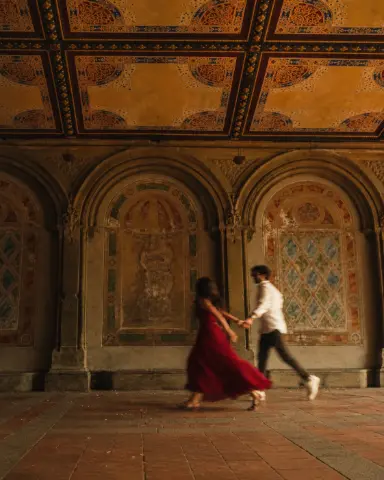 AI Couple Photo Prompt – Vintage Romantic Run
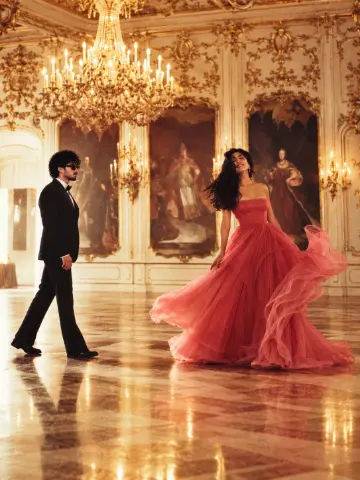 AI Couple Photo Prompt – Royal Ballroom Glamour
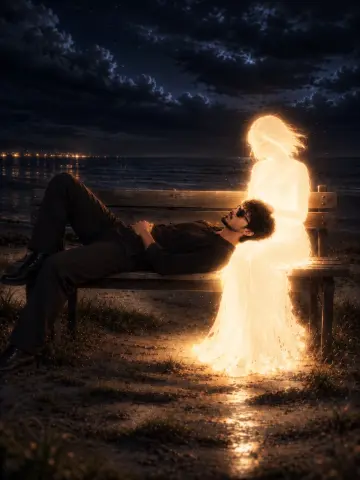 AI Couple Photo Prompt – Glowing Golden Spirit
 Cinematic Couple Café Portrait AI Image Prompt – Romantic 3:4 Instagram Photo
 Romantic Couple Pose AI Image Prompt – Candid Lifestyle Photography
 AI Couple Photo Prompt – Realistic Cinematic Couple Image Editing